
这是一次充满惊喜的云南之旅,我们走访了大理、丽江和香格里拉,品尝了各种当地特色美食,感受了独特的人文风情。
大理古城:洱海边的慢生活h2
NOTE
大理古城,一个让时光放慢脚步的地方。在这里,每一条街巷都诉说着白族的历史文化。
美食寻味h3
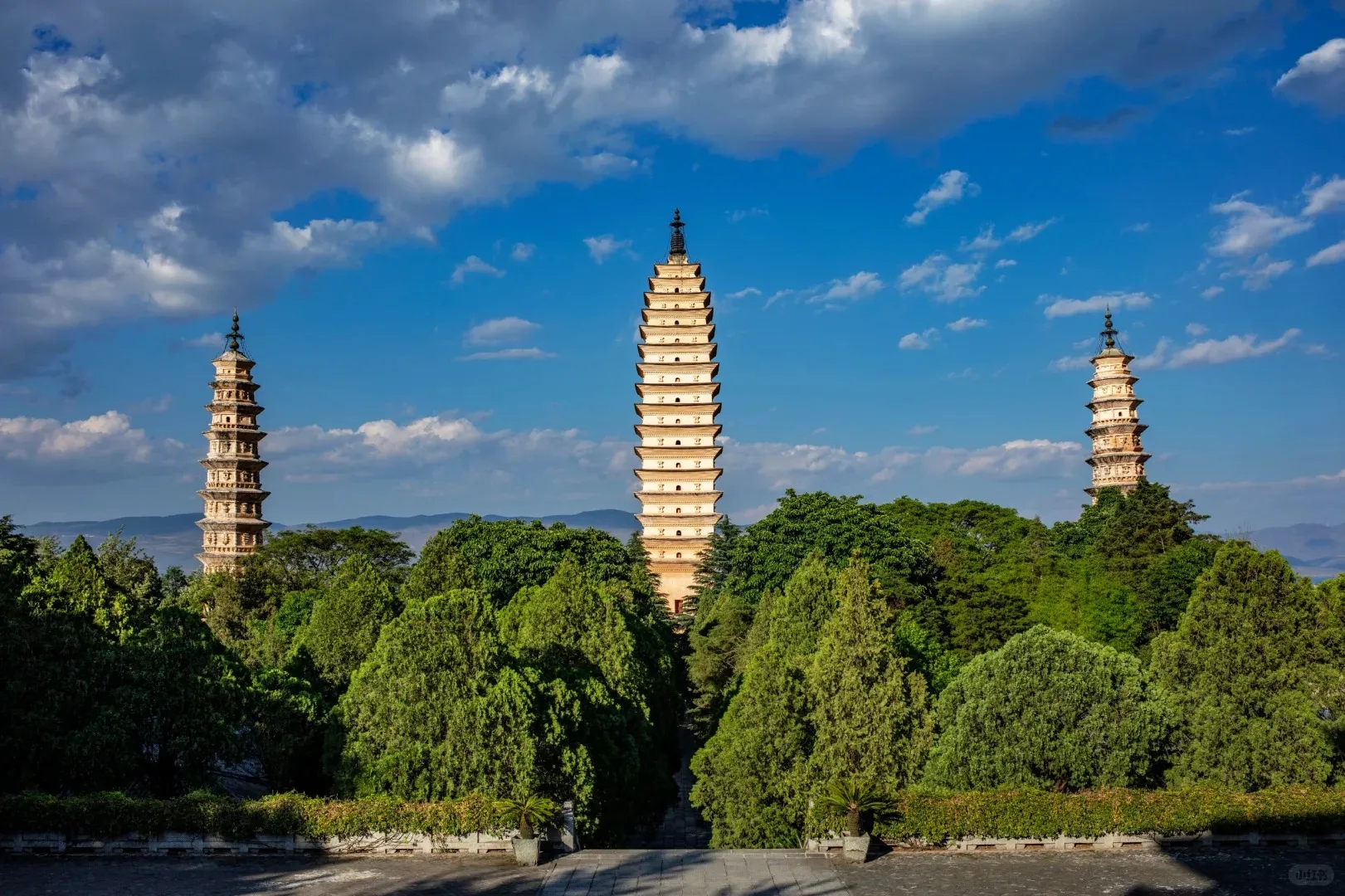
必尝美食清单:
- 大理乳扇
- 白族八大碗
- 洱海弓鱼
- 蝶豆花米线
丽江古城:艳遇之都的另一面h2
丽江不仅有浪漫的艳遇文化,更有深厚的纳西族传统文化底蕴。
IMPORTANT
在丽江,一定要去看纳西古乐表演,感受这座千年古城的文化魅力。
特色体验h3
- 纳西古乐欣赏
- 束河古镇漫步
- 玉龙雪山观光
- 大研古镇夜景
香格里拉:离天堂最近的地方h2
TIP
记得准备红景天,适应高原环境。香格里拉的美需要一个健康的身体去感受。
行程安排h3
香格里拉行程建议
- 松赞林寺朝拜
- 独克宗古城探索
- 纳帕海观景
- 普达措国家公园徒步
实用建议h2
CAUTION
高原地区紫外线强,记得防晒!同时补充足够的水分。
装备准备h2
- 防晒用品
- 防晒霜 SPF50+
- 太阳镜
- 遮阳帽
- 高原适应
- 红景天
- 葡萄糖
- 氧气瓶(备用)
- 摄影器材
- 广角镜头
- 三脚架
- 备用电池
这次云南之旅,不仅让我们领略了绝美的自然风光,更深入体验了当地的民族文化。希望这篇游记能为准备去云南的朋友提供一些参考。
The following files are compatible with this document:
src/pages/photos/index.astro- photos page.src/components/photos- timeline and polaroid gallery components.src/config.ts- page config (PHOTOS_CONFIG) andPhotosListdata.src/types.ts- Type definitions forPhotosConfig,PhotoData, andPhoto.
Photos Page Configh3
Configure page texts in src/config.ts:
export const PHOTOS_CONFIG: PhotosConfig = { title: 'Photos', description: 'Here I will record some photos taken in daily life.', introduce: 'Here I will record some photos taken in daily life.',}| Property | Description |
|---|---|
| title | Title shown on the page and browser tab. |
| description | The metadata description in the head. |
| introduce | Intro text displayed under the title. |
Data Source: PhotosListh3
The page reads data from PhotosList in src/config.ts. Each item in the array represents one timeline entry (a day, a trip, an album, etc.).
export const PhotosList: PhotoData[] = [ { title: "Friend's Adorable Cat", icon: { type: 'emoji', value: '🌠' }, description: 'So kawaii (*^ω^*)', date: '2025-06-21', travel: '', photos: [ { src: '/photos/cat1.webp', alt: "Friend's Adorable Cat", width: 1080, height: 810, variant: '4x3' }, { src: '/photos/cat2.webp', alt: "Friend's Adorable Cat", width: 1080, height: 810, variant: '4x3' }, { src: '/photos/cat3.webp', alt: "Friend's Adorable Cat", width: 1080, height: 810, variant: '4x3' }, ], },]PhotoData fieldsh4
| Property | Description |
|---|---|
| title | Title of the timeline item. |
| icon | Icon displayed on the left timeline axis. See the table below for supported formats. |
| description | Optional text shown below the title. |
| date | Display date string (free format). |
| travel | Optional additional label for travel/route info. |
| photos | Array of Photo objects rendered as a polaroid stack and openable in a modal gallery. |
Icon objecth5
TimelineIconType supports: emoji | icon | color | number | image
| Property | Description |
|---|---|
| type | One of the supported types above. |
| value | Emoji (e.g. ’🌅’), icon name, color class, number text, or image URL/path. |
| fallback | Optional fallback text when icon cannot be shown. |
Photo fieldsh4
| Property | Description |
|---|---|
| src | Image path (recommend using files under /public/photos). |
| alt | Image alt text. |
| width | Image intrinsic width. |
| height | Image intrinsic height. |
| variant | Polaroid layout variant: 1x1、4x5 、4x3``9x16. |
| location | Optional. Shooting location. |
| date | Optional. Photo shooting date. |
| camera | Optional. Shooting device. |
| description | Optional. Additional caption for the single image (used in modal). |
TIP
Variants control the polaroid aspect: 1x1 (square), 4x5 (classic polaroid), 4x3 (landscape), 9x16 (portrait).
How it rendersh3
- Timeline and icons are rendered by
src/components/photos/PhotoTimeline.astro. - Polaroid stack and modal gallery are handled by
PolaroidStack/PhotoGalleryModal. - Clicking any photo opens a modal gallery. Hovering reveals a subtle spread animation.
Recommended practicesh3
- Optimize images (WebP/AVIF) and provide correct
width/heightto avoid layout shift. - Keep 3–6 photos per timeline item for a balanced stack effect.
- Prefer consistent variants within one item for a neat layout.